 Markdown Editor by Teklonato
How to open and edit a Markdown file
A Markdown file is plain text with formatting markers. Open it in Markdown Editor by Teklonato to read the formatted document or change the source directly. The editor reads the file in your browser.
Open the Markdown editorOpen a .md file with live preview
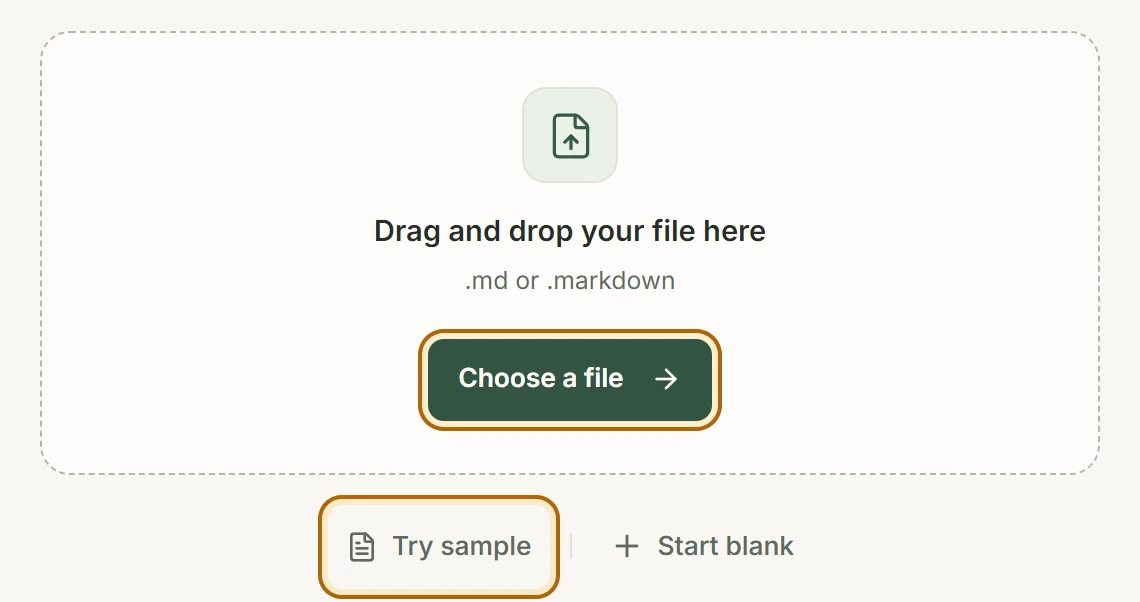
- Click Choose a file to open a
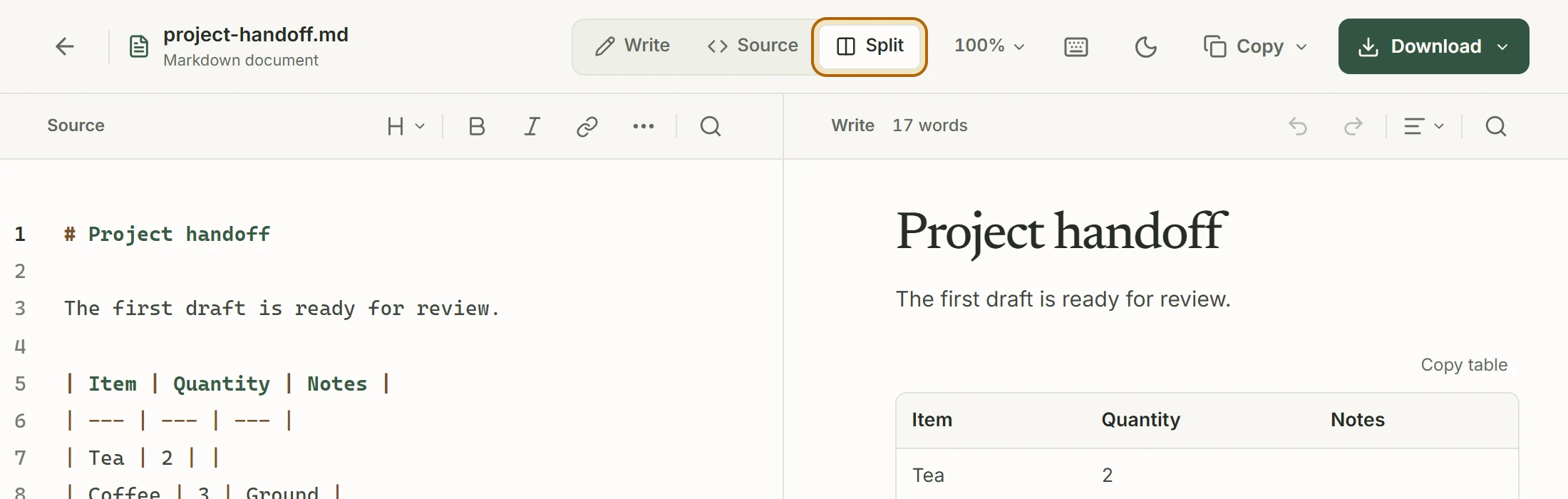
.mdor.markdownfile, or drop it onto the file picker. Select Try sample to explore the editor without a file. - Use Write to read or edit the formatted page. Choose Source to see the Markdown text with line numbers, or Split to see both as you type.
- Choose Download → Markdown (.md) to keep an edited copy. The original file on disk stays intact.
If the file looks different from GitHub
Markdown viewers can handle extensions differently. The editor supports tables, task lists, fenced code, and other common Markdown features. If Write can’t preserve a piece of syntax, use Source to edit the original text.
See what a .md file contains
Lines starting with # become headings, **text** becomes bold, and lines starting with - become list items. Try this example in Source, then switch to Write to see it formatted.
# Project notes

- **Owner:** Maya
- **Status:** In review